-
Good morning, here is your day.
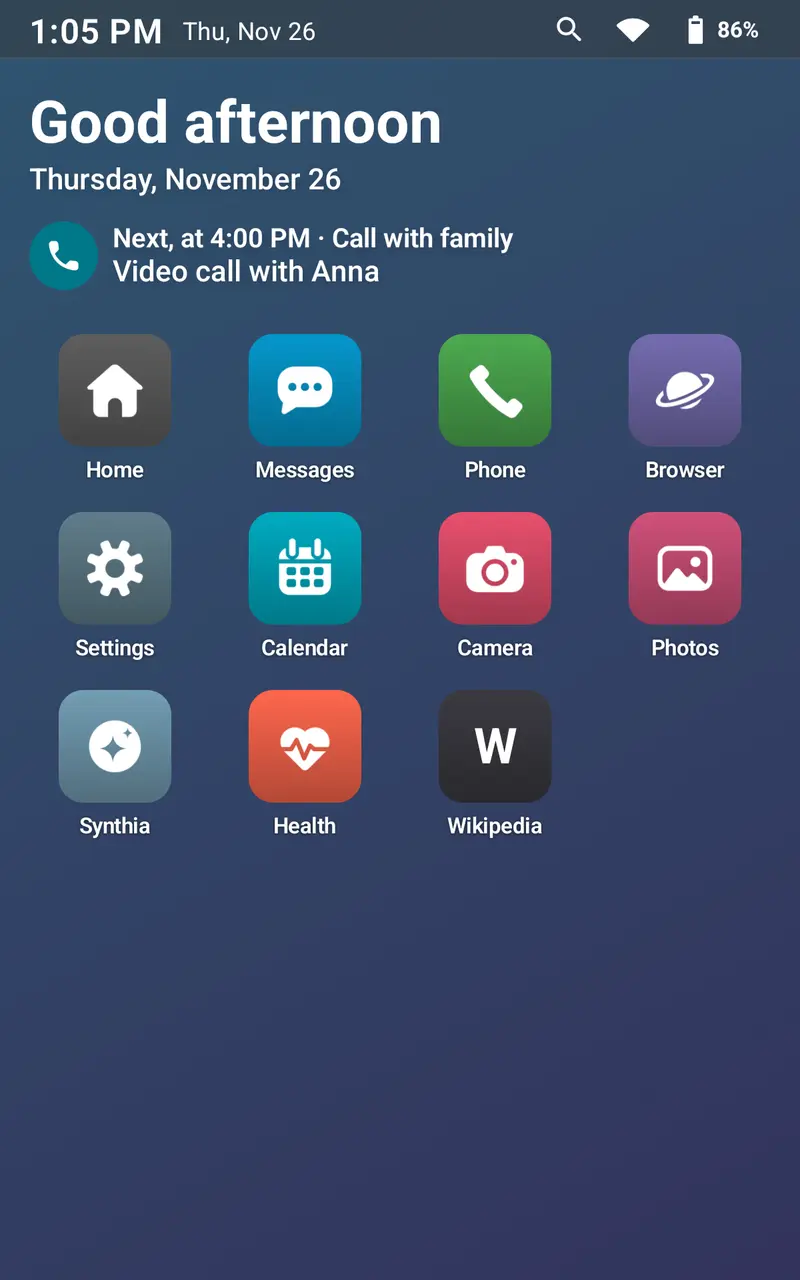
Every app is a big, clearly labeled button on a calm home screen, with a greeting, today’s date and what is coming up next. There are no menus to dig through and nothing that moves unless your parent moves it.
-
Settings that stay put.
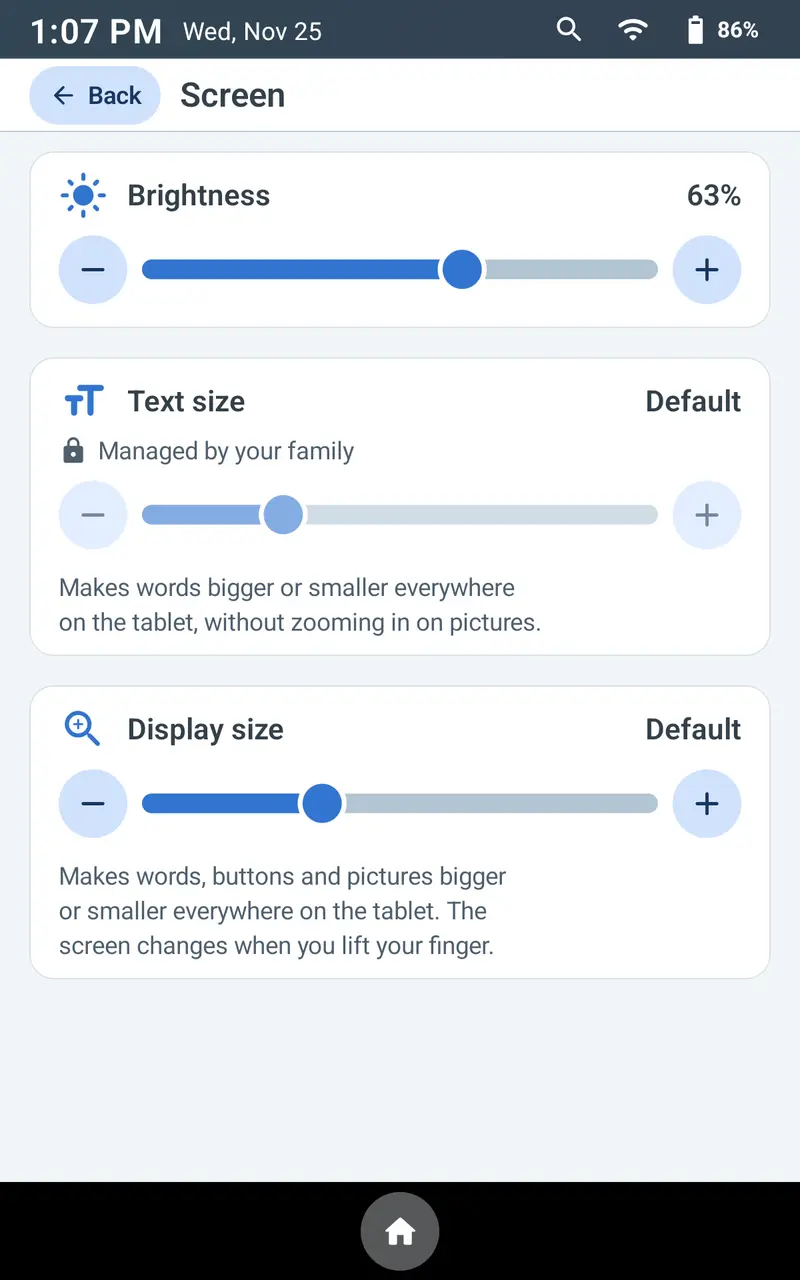
Brightness, volume, text size and more can be locked from MySyncare, so a stray tap never leaves the screen dark or silent. Changes show as waiting, then done, so you always know they arrived.
-
A note from family, a reply in one tap.
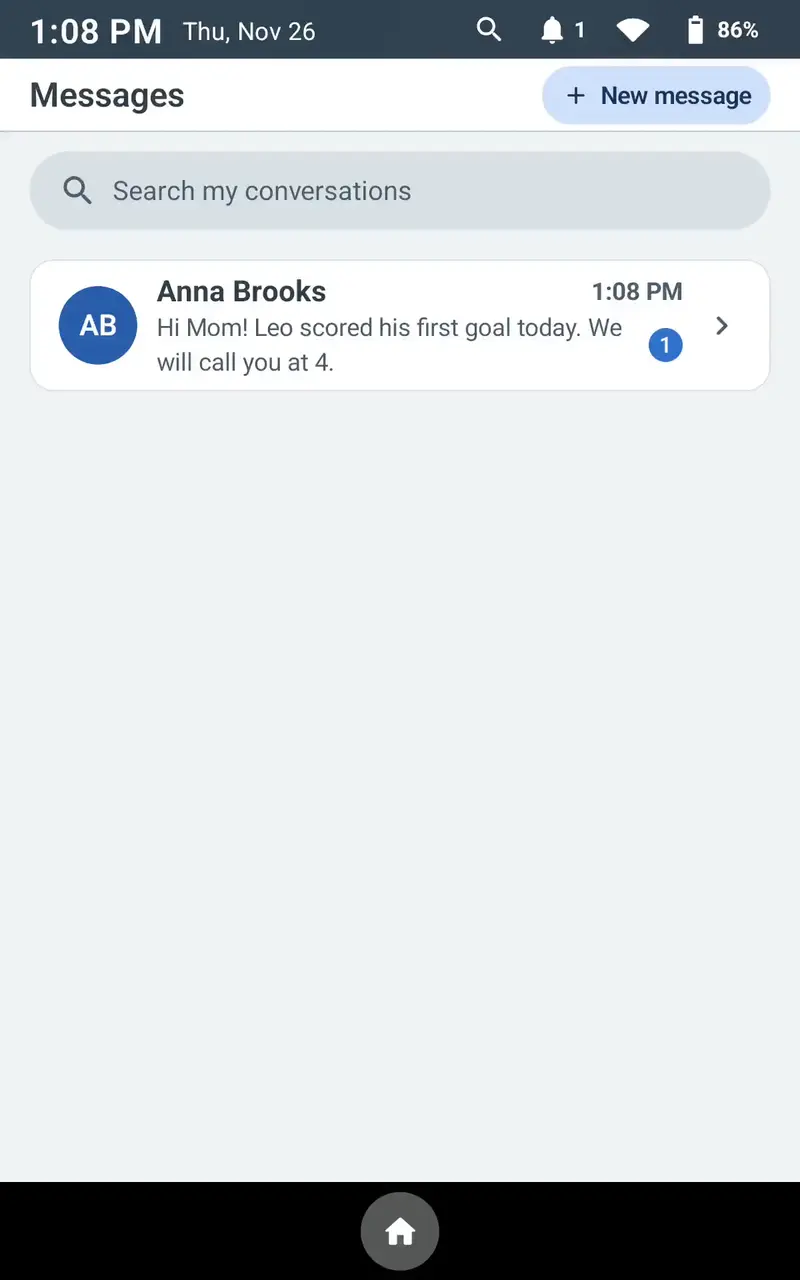
Family messages arrive in large, clear type. Your parent can reply by typing, or ask Synthia to read a message aloud and send an answer by voice.
-
A swipe to start, a PIN if you want one.
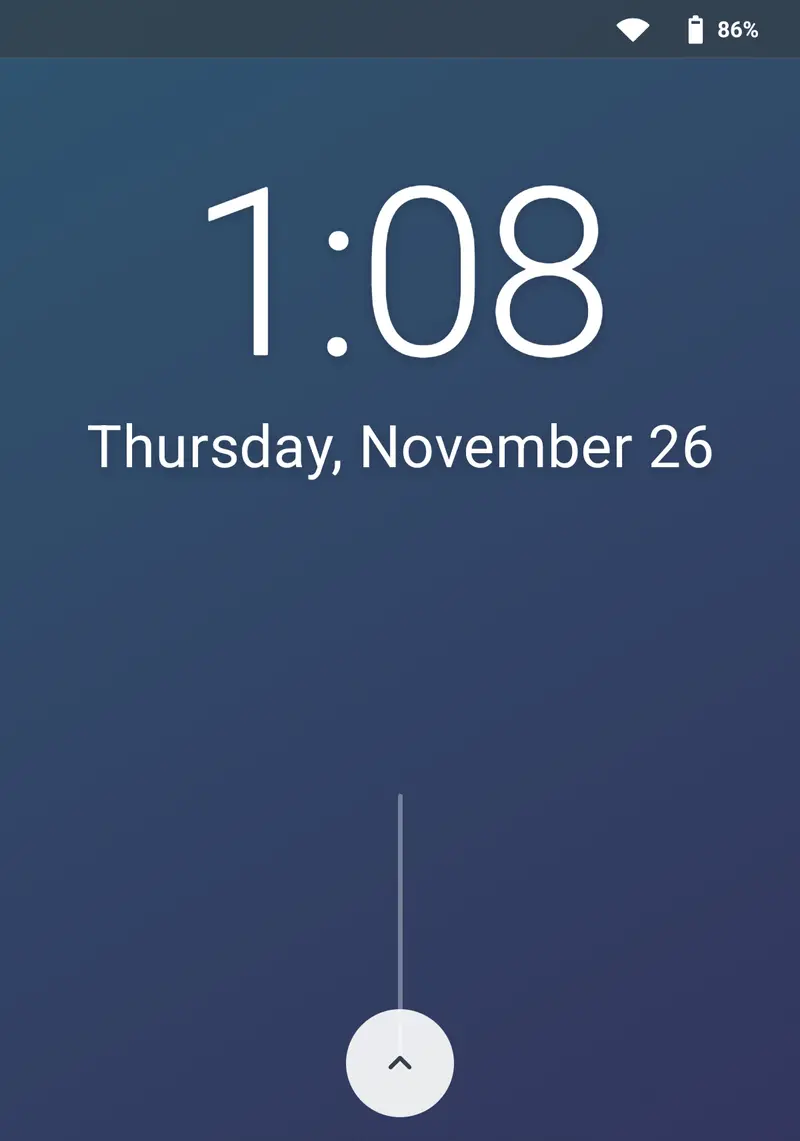
An optional PIN keeps the tablet private at home or in a shared room.
Not a simple mode. A simple tablet.
The Syncare Tablet runs SyncareOS, our own software built on Android 15. It is not a simple mode laid over an ordinary tablet: there is no app store to wander into, no stray notifications and no settings maze underneath.
Planned launch price $199 + $34 a month. Mobile data is coming.

One person in mind, all the way down.
Large, labeled buttons. Nothing to hunt for.No advertising, no pop-ups and no sponsored anything.
-
A system of its own
The Syncare Tablet runs SyncareOS, our own software built on Android 15. It is not a simple mode laid over an ordinary tablet: there is no app store to wander into, no stray notifications and no settings maze underneath.
-
A calm home screen
Every app is a big, clearly labeled button on a calm home screen, with a greeting, today’s date and what is coming up next. There are no menus to dig through and nothing that moves unless your parent moves it.
-
Easy to read and tap
Text starts large and goes larger, in five steps. Buttons are big enough for unsteady hands, contrast is high, and every gesture also has a simple tap.
-
No ads. Ever.
Syncare is paid for by its subscription, not by advertising. There are no ads on the tablet or anywhere in MySyncare.
-
Apps chosen for them
The family chooses which apps appear, from simple browsing to music and video, and the tablet installs them quietly. Your parent never sees an app store, a password or an update prompt.
-
A clear camera signal
The camera turns on only once a video call is answered, and a colored dot shows whenever the camera or microphone is in use.
Every screen, made calm.


Switch it on. It just works.
The family sets everything up from their phone before the tablet arrives: contacts, photos and apps are waiting. Your parent turns it on and sees familiar faces, not a setup screen.

-
Mobile data is coming
Mobile data is coming to every Syncare Tablet, so it will work wherever there’s mobile coverage, in homes without internet too. Until then, it connects over Wi-Fi.
-
Updates handled
SyncareOS and its apps update themselves at a quiet time the family chooses, with a safe fallback if anything goes wrong. Your parent never sees an update prompt.
-
Settings stay put
Brightness, volume, text size and more can be locked from MySyncare, so a stray tap never leaves the screen dark or silent. Changes show as waiting, then done, so you always know they arrived.
-
Secure from the inside
Each tablet carries its own hardware-protected key and signs everything it sends, and only the people your family approves can ever reach it.
Built for this, from the ground up.
An ordinary tablet with a simple mode still has an ordinary tablet underneath. Here is how the Syncare Tablet compares with each kind of device families usually try first.
| What it does | Syncare Tablet | A regular tablet | A simple-mode app on a tablet | A smart display |
|---|---|---|---|---|
| Simple everywhere, not just on the home screen | Yes Its own operating system | No | Partly The ordinary tablet is still underneath | Partly Simple, but limited |
| Family sets it up and manages it remotely | Yes | No | Partly Some settings, from some apps | Partly Through the owner’s account |
| Settings can be locked so they cannot change by accident | Yes | Partly Parental controls, built for children | Partly | No |
| Video calls with one tap, no accounts to manage | Yes | Partly Needs apps, accounts and passwords | Yes | Yes |
| Only approved contacts can get through | Yes | No | Partly | Partly |
| A voice assistant that can use the tablet for you, and asks first | Partly Calls and messages today; the other apps are coming | Partly General assistants, not built for this | Partly Some offer a chat companion | Partly General assistants |
| Several family members, each with the right access | Yes | No | Partly Often one administrator | Partly |
| Medical records encrypted so the company cannot read them | Yes | No | No | No |
| No advertising | Yes | Partly Some models show ads | Partly | Partly Some show ads on the screen |
| Works without home Wi-Fi | No Not yet: mobile data is coming | Partly Cellular models, with a separate plan | Partly Depends on the tablet | No |
| Updates handled without prompts | Yes | No Prompts and restarts | No The tablet still asks | Yes |
Small enough to hold. Clear enough to read.
- Screen
- About 8 inches, bright and sharp, with large type throughout
- Software
- SyncareOS, Syncare’s own operating system, built on Android 15
- Connection
- Wi-Fi today; built-in mobile data is coming
- Calls
- Video and voice calls, with built-in speakers, microphone and front camera
- Charging
- Charges with the included charger; the stand keeps it upright and in reach
- Updates
- Installed for you, with a safe fallback if anything goes wrong
- Assistant
- Synthia, by voice or by tap
In the box
- The Syncare Tablet
- Set up by your family before it arrives
- A stand
- Holds the tablet upright for calls and photos
- A charger
- Plugs into the wall
Final hardware details are confirmed at launch.
One tablet. One simple plan.
The tablet, Synthia, the family apps, updates and help from real people, all in one plan.
Planned launch price
$199 for the tablet $34 a month
One plan with everything included. No contract; cancel any time.
- The Syncare Tablet, ready to use out of the box
- Mobile data once it arrives, so it works without Wi-Fi
- Synthia, the voice assistant
- MySyncare on the web and on the phone for the whole family
- Unlimited family members and caregivers
- Updates, security fixes and new features, installed for you
- Help from real people when you need it