-
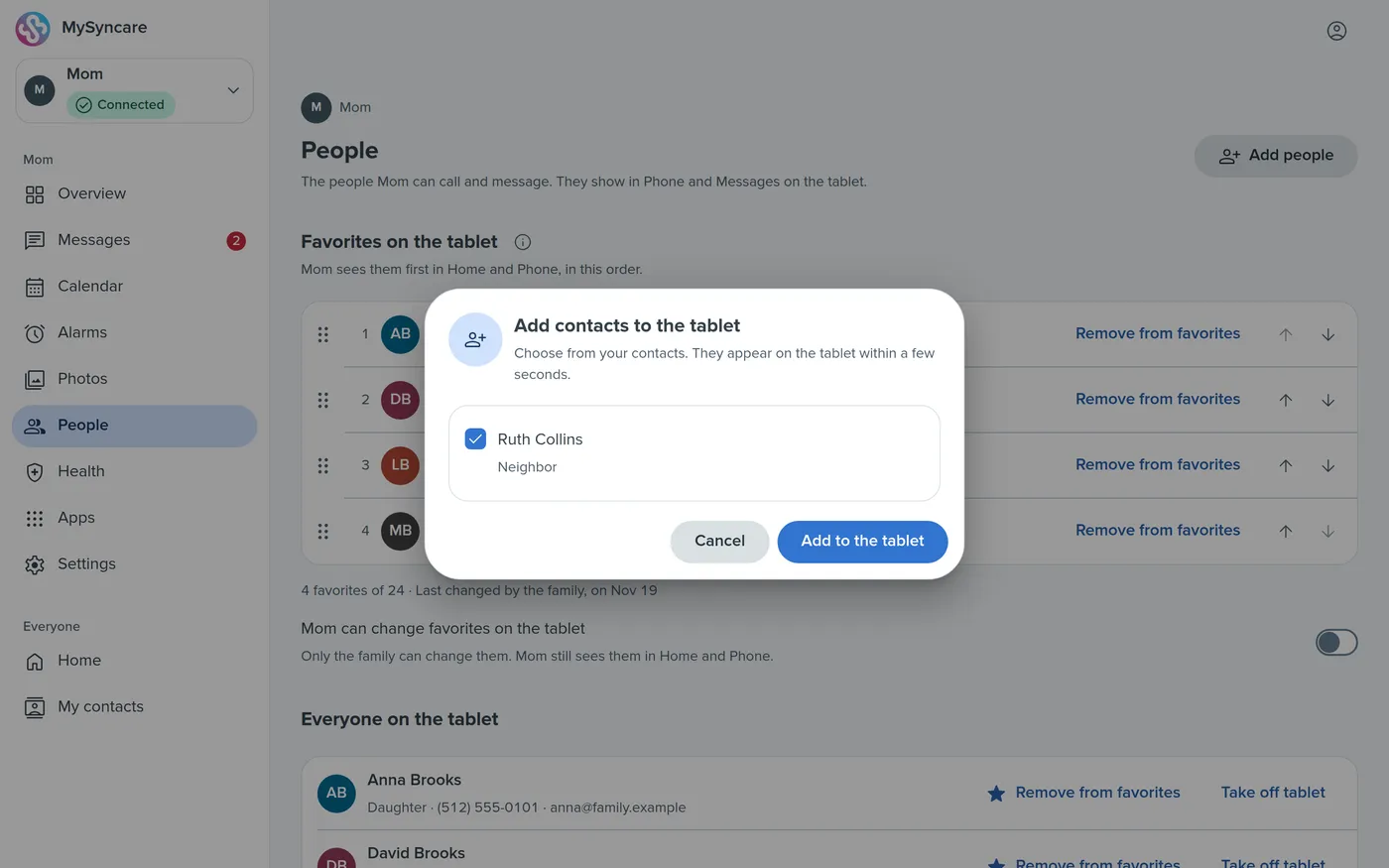
Add a contact, and it is just there.
From MySyncare, the family adds contacts, shares photos, plans the calendar, chooses apps and adjusts settings, from anywhere, without touching the tablet.
-
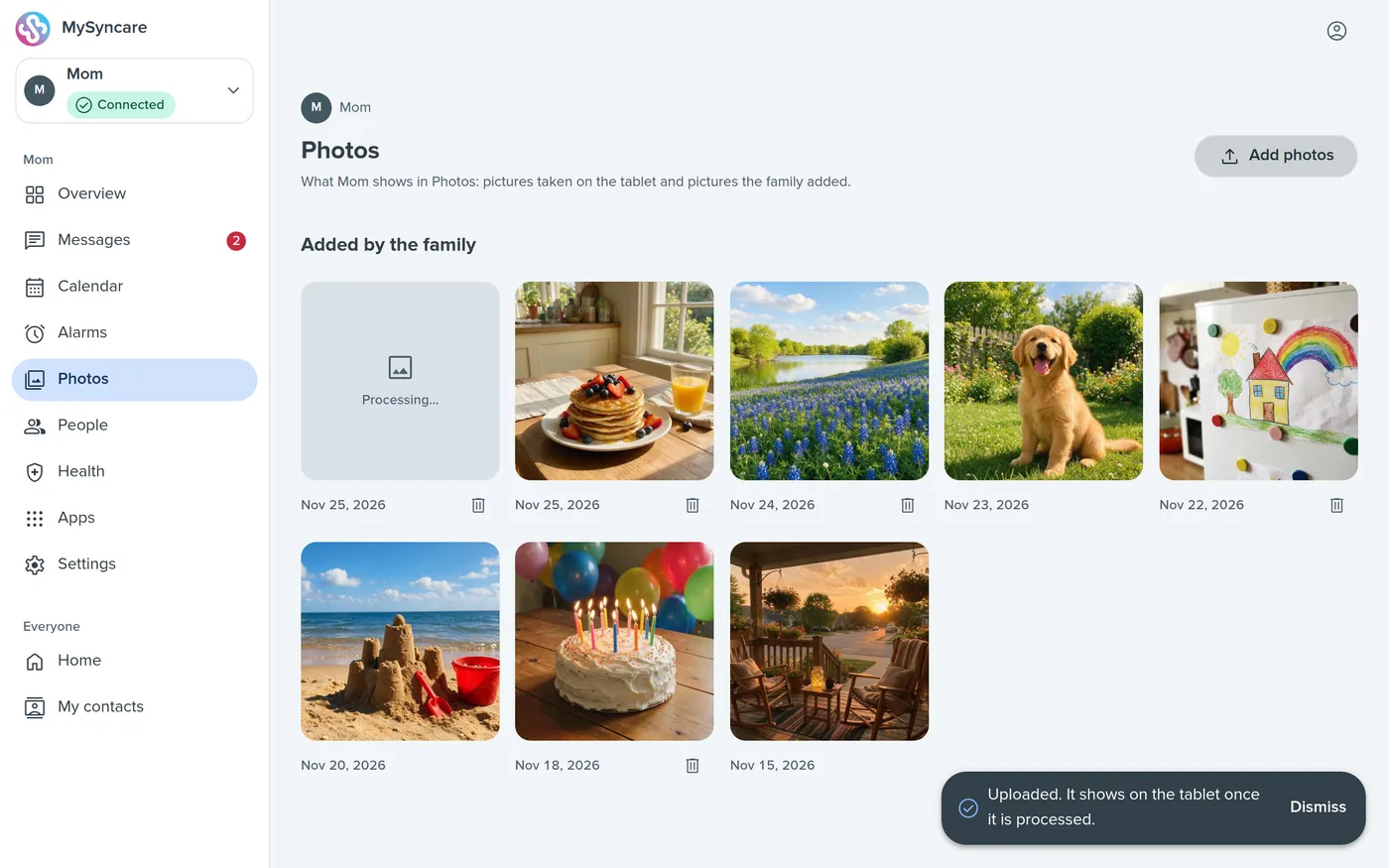
Share the moment, right away.
Anyone in the family can add photos and short videos from their phone, and they appear on the tablet moments later, with who sent them.
-
Calls both ways, from anywhere.
Family members call the tablet from MySyncare, on their phone or in any web browser, and the tablet can ring them back.

-
Everyone helps, nobody steps on toes.
Invite as many family members and carers as you like. Each gets the right level of access, from full control to simply sharing photos, and you can change it at any time.
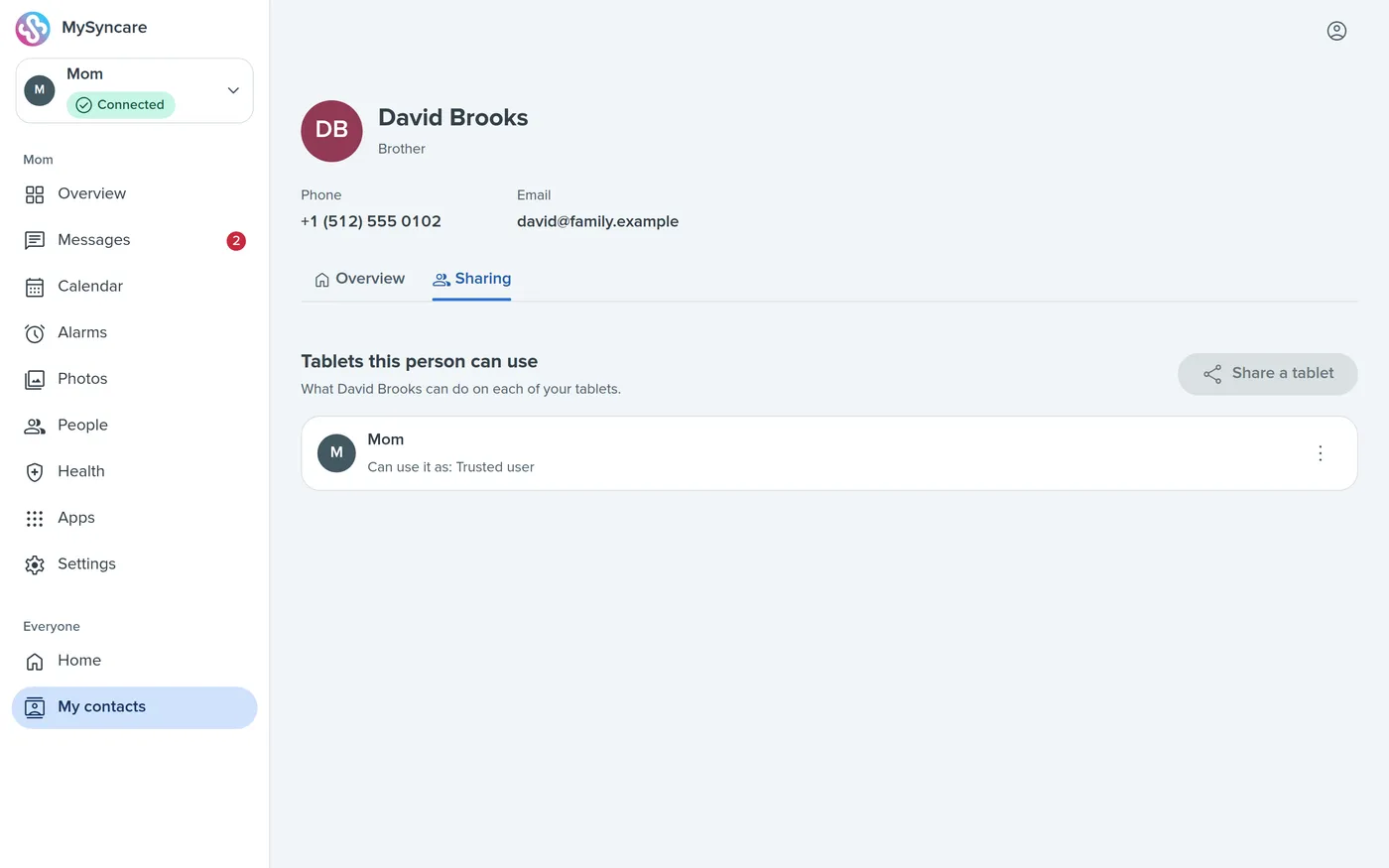
Be there, even from far away.
From MySyncare, the family adds contacts, shares photos, plans the calendar, chooses apps and adjusts settings, from anywhere, without touching the tablet.

Set it up from your sofa.
The family sets everything up from their phone before the tablet arrives: contacts, photos and apps are waiting. Your parent turns it on and sees familiar faces, not a setup screen.
-
Ready out of the box
Arrives ready. Turn it on and it is home.
-
Manage it remotely
Contacts, photos, apps and settings, managed remotely.
-
The whole family helps
Invite siblings, grandchildren and carers, each with their role.
-
Know it is working
See when the tablet was last online.
The little things, done from anywhere.


On your computer, and in your pocket.
The MySyncare app for iPhone and Android is coming: calls and messages with notifications, photos straight from your camera roll, and every setting for the tablet. Until then, MySyncare is on the web.
-
Manage it remotely
From MySyncare, the family adds contacts, shares photos, plans the calendar, chooses apps and adjusts settings, from anywhere, without touching the tablet.
-
The MySyncare app
The MySyncare app for iPhone and Android is coming: calls and messages with notifications, photos straight from your camera roll, and every setting for the tablet. Until then, MySyncare is on the web.
-
Settings stay put
Brightness, volume, text size and more can be locked from MySyncare, so a stray tap never leaves the screen dark or silent. Changes show as waiting, then done, so you always know they arrived.
-
Apps chosen for them
The family chooses which apps appear, from simple browsing to music and video, and the tablet installs them quietly. Your parent never sees an app store, a password or an update prompt.
-
Know it is working
MySyncare shows each tablet’s status and when it was last online, so you know it is connected before you call.
-
Updates handled
SyncareOS and its apps update themselves at a quiet time the family chooses, with a safe fallback if anything goes wrong. Your parent never sees an update prompt.
Health stays in the family.
Health information is shared with a small circle the family chooses, never with everyone who can call. Anyone added to the circle is announced on the tablet.

-
Medicines and visits
The Health app keeps a clear list of medicines and upcoming appointments, with a gentle way to mark what has been taken.
-
Encrypted records
Medical records and documents are encrypted on the family’s own device before they are stored. We keep only the locked copy: not even Syncare can read them.
-
Your health circle
Health information is shared with a small circle the family chooses, never with everyone who can call. Anyone added to the circle is announced on the tablet.
Keep exploring
-
The Syncare Tablet
SyncareOS: built for one person, not a simple mode.
-
Synthia
Just ask: call, message, remind, read, find.
-
Safety and privacy
No ads, no tracking, and we never sell data.